Death Screen Themes
Wasabi Ambulance V2 includes five ready-to-use death screen themes. Select one in config/client/config.lua using the theme filename without .json:
deathScreenTheme = "premium"
The built-in theme IDs are classic, simple, arcade, critical, and premium. If the configured theme is missing or invalid, the resource falls back to classic.
Built-in themes
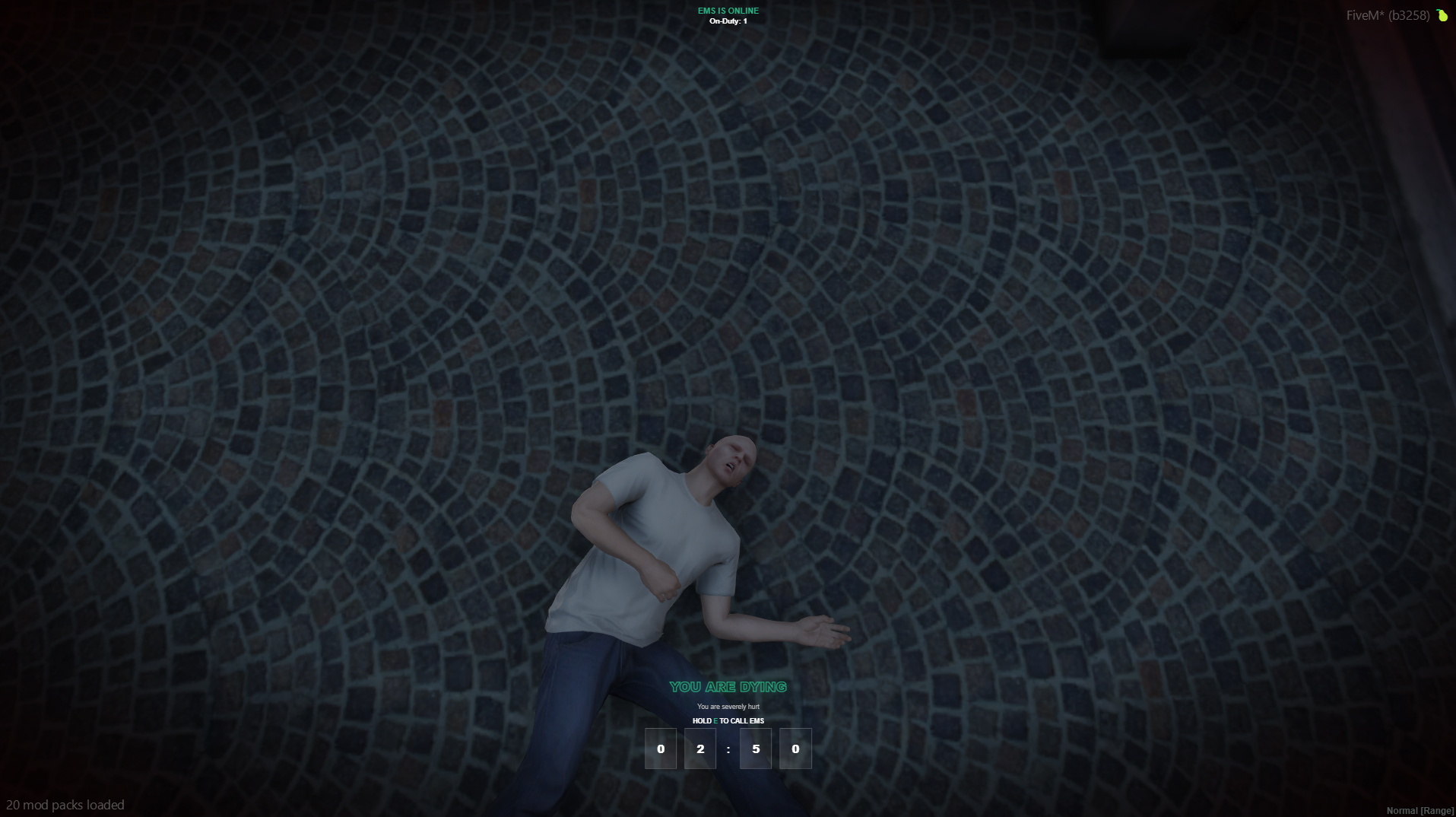
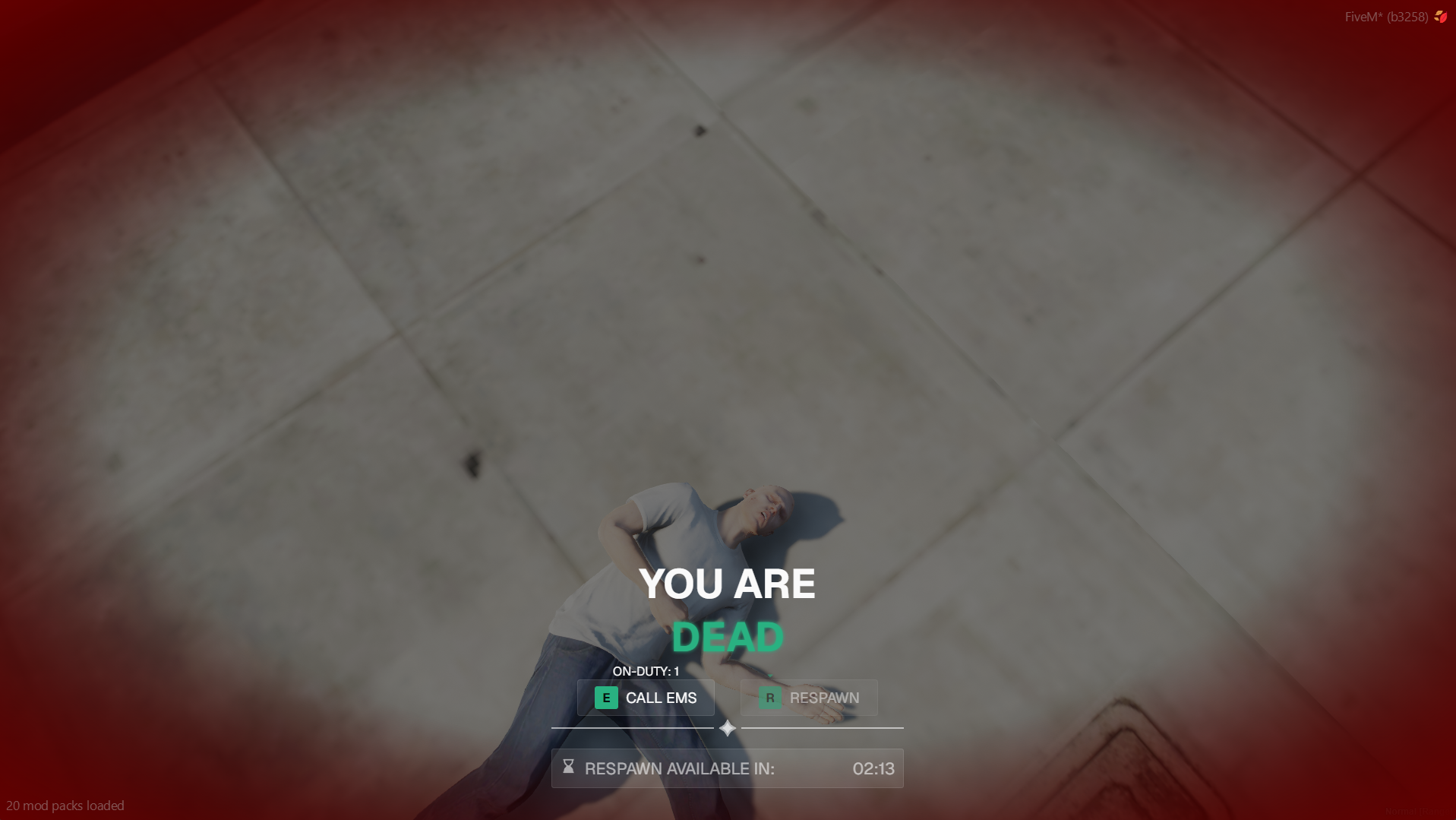
premium
A polished, atmospheric layout with a glowing title and glass-style digit boxes. EMS availability remains visible at the top while the primary status and countdown stay compact near the bottom.
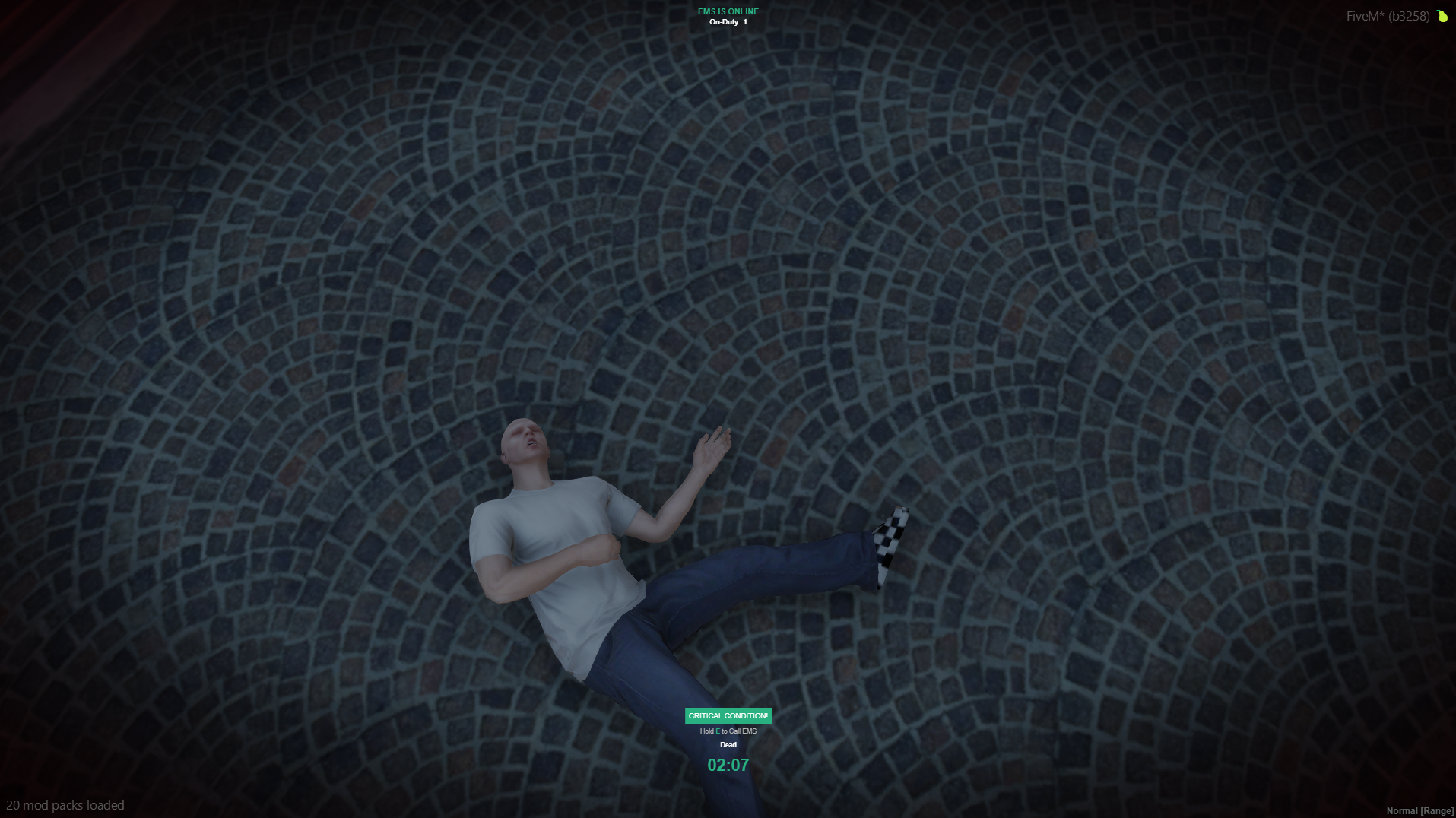
critical
A compact bottom HUD built around a pulsing critical-condition badge and clear text timer. It keeps the center of the screen open while preserving the essential status and EMS information.
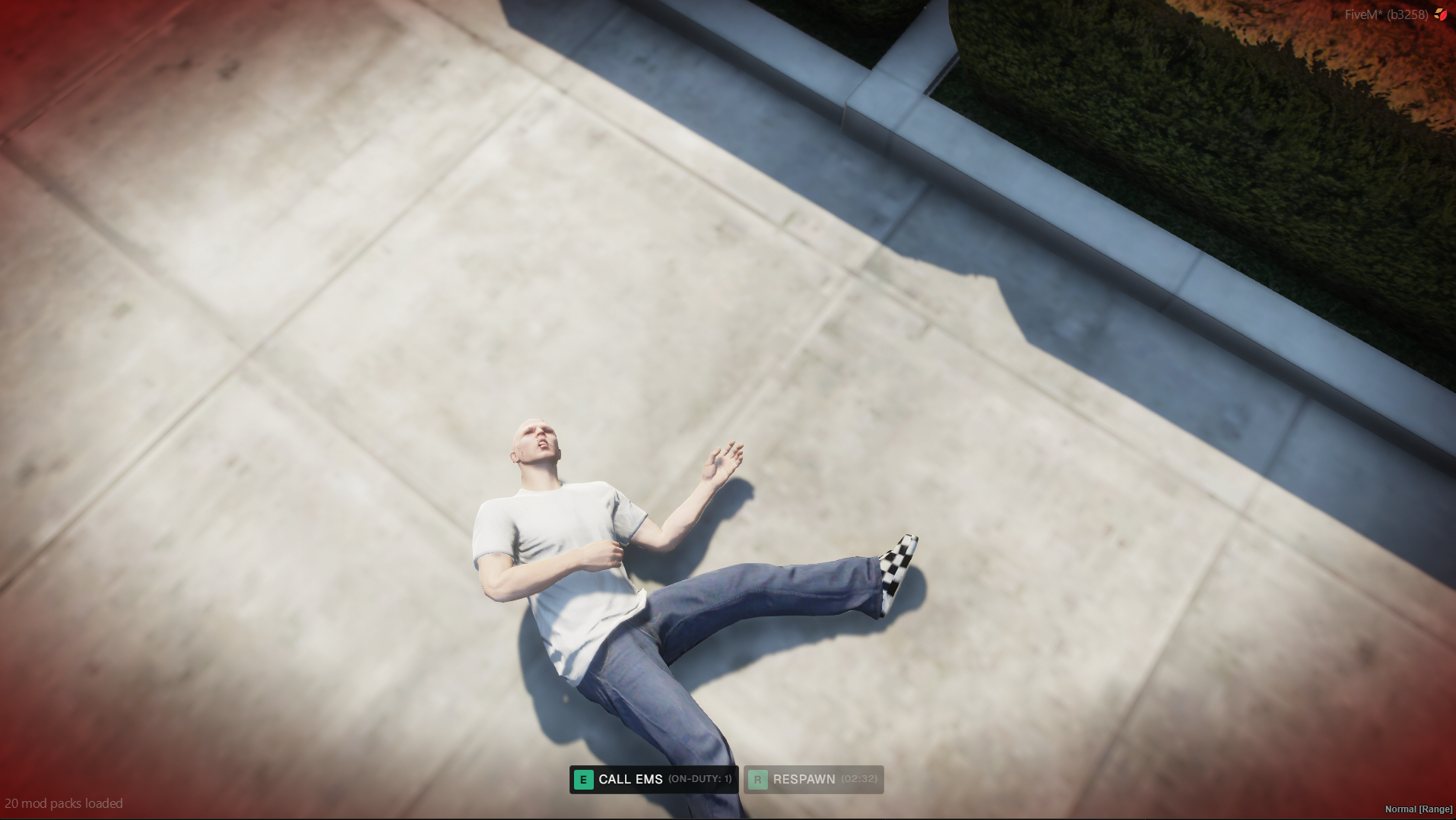
simple
The most minimal option, presenting the Call EMS and Respawn controls as straightforward key hints along the bottom of the screen with no additional dark overlay.
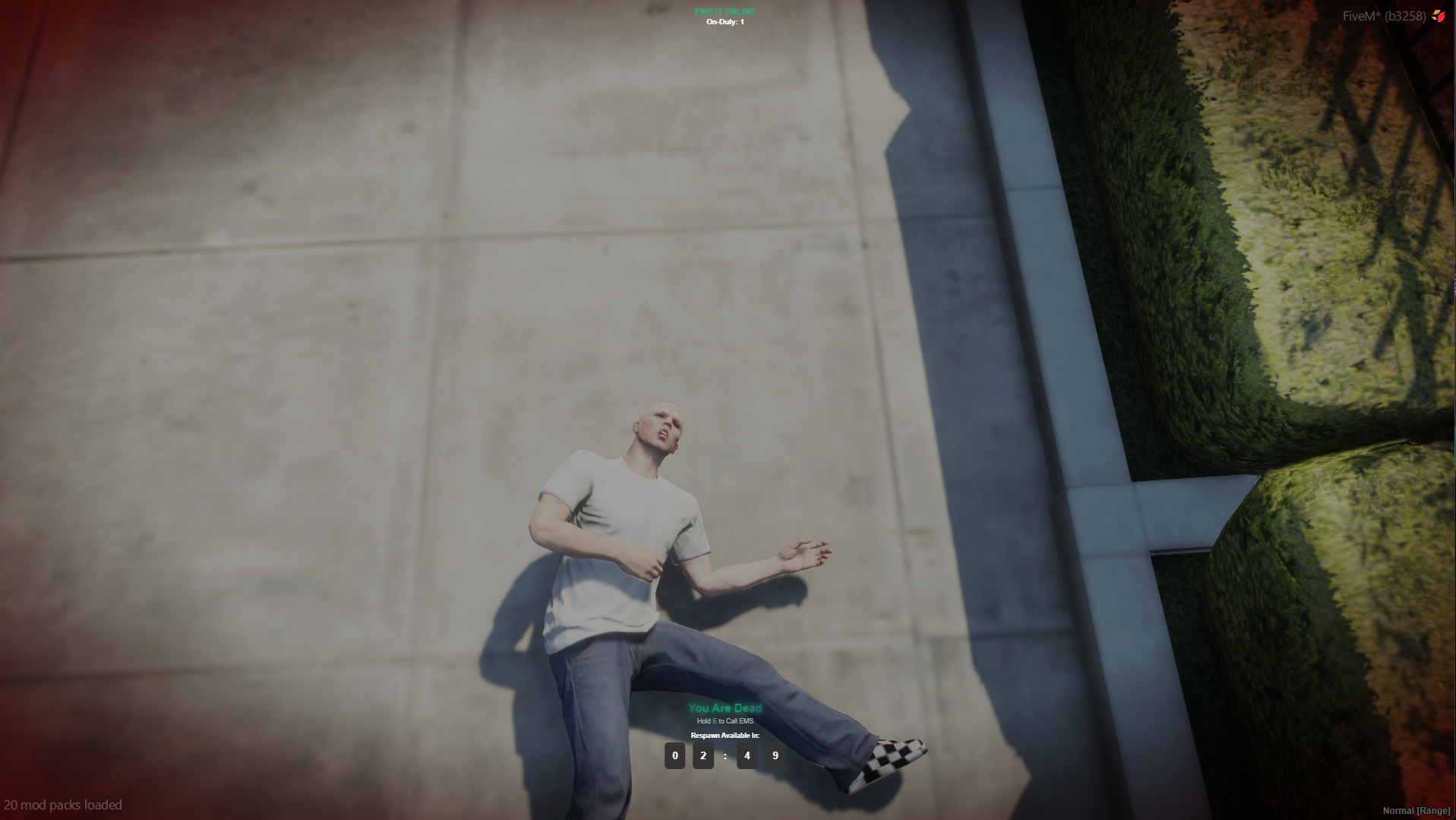
arcade
A compact status layout with a gradient title and boxed digit countdown. It provides a clear visual timer while leaving most of the gameplay view unobstructed.
classic
The full-panel Wasabi Ambulance layout, featuring a large centered status, Call EMS and Respawn controls, EMS count, and a dedicated respawn timer bar.
Creating a custom theme
Custom themes reuse one of the five built-in layouts while allowing you to change its presentation:
- Copy a JSON file from
themes/death/, such asclassic.json. - Rename the copy and change its
idto match the new filename. - Adjust its
accentandtokensvalues. - Set
deathScreenThemeinconfig/client/config.luato the new filename without.json. - Restart
wasabi_ambulance_v2.
{
  "id": "mytheme",
  "name": "My Theme",
  "author": "Your Server",
  "version": 1,
  "layout": "classic",
  "accent": {
    "useConfig": true,
    "fallback": "#29b181",
    "locked": false
  },
  "tokens": {
    "overlayOpacity": 0.5,
    "anchor": "bottom-center",
    "position": {
      "bottom": "3rem"
    }
  }
}
The layout value must remain classic, simple, arcade, critical, or premium. A custom JSON theme can restyle an existing layout but cannot introduce a new layout without a UI update.
Common theme options
- Accent: Use
config.uiColors.death, provide a fallback color, or lock the theme to its fallback color. - Overlay: Adjust the full-screen dim with
overlayOpacity. - Position: Place supported layouts at the bottom, center, or top and fine-tune their offsets.
- Titles and timers: Select supported title effects and text or digit-based countdowns.
- Digit boxes: Customize the background, border, radius, padding, and font size used by
arcadeandpremium. - EMS display: Control the top-center EMS indicator on supported layouts.
To share a custom theme, send its JSON file. The recipient can place it in themes/death/ and select its ID with deathScreenTheme.